From idea to a finished illustrated book
Dream2Art is a step-by-step workshop: you stay the author, the AI does the heavy lifting. Here's the journey from a blank page to a finished, consistently illustrated book.
1. Create your story world
Start with story elements — characters, objects, and locations. Each element holds layered details: appearance, personality, facts, and alternative looks for different chapters or eras. The richer the element, the more faithful every generation that uses it.
2. Define your visual style
Set up a style guide for the project: a reference image and style rules. Every illustration is generated against it, so your whole book keeps one consistent visual language instead of random styles per page.
3. Outline and plot the book
Lay out parts, chapters and scenes, and watch the book fill in beside them in read mode. The Plot board sets your plot lines against the chapters, so you can see which thread each scene serves — and where one has gone quiet. An empty chapter can be handed to the AI to plan, one to ten scenes at a time.
4. Write scenes
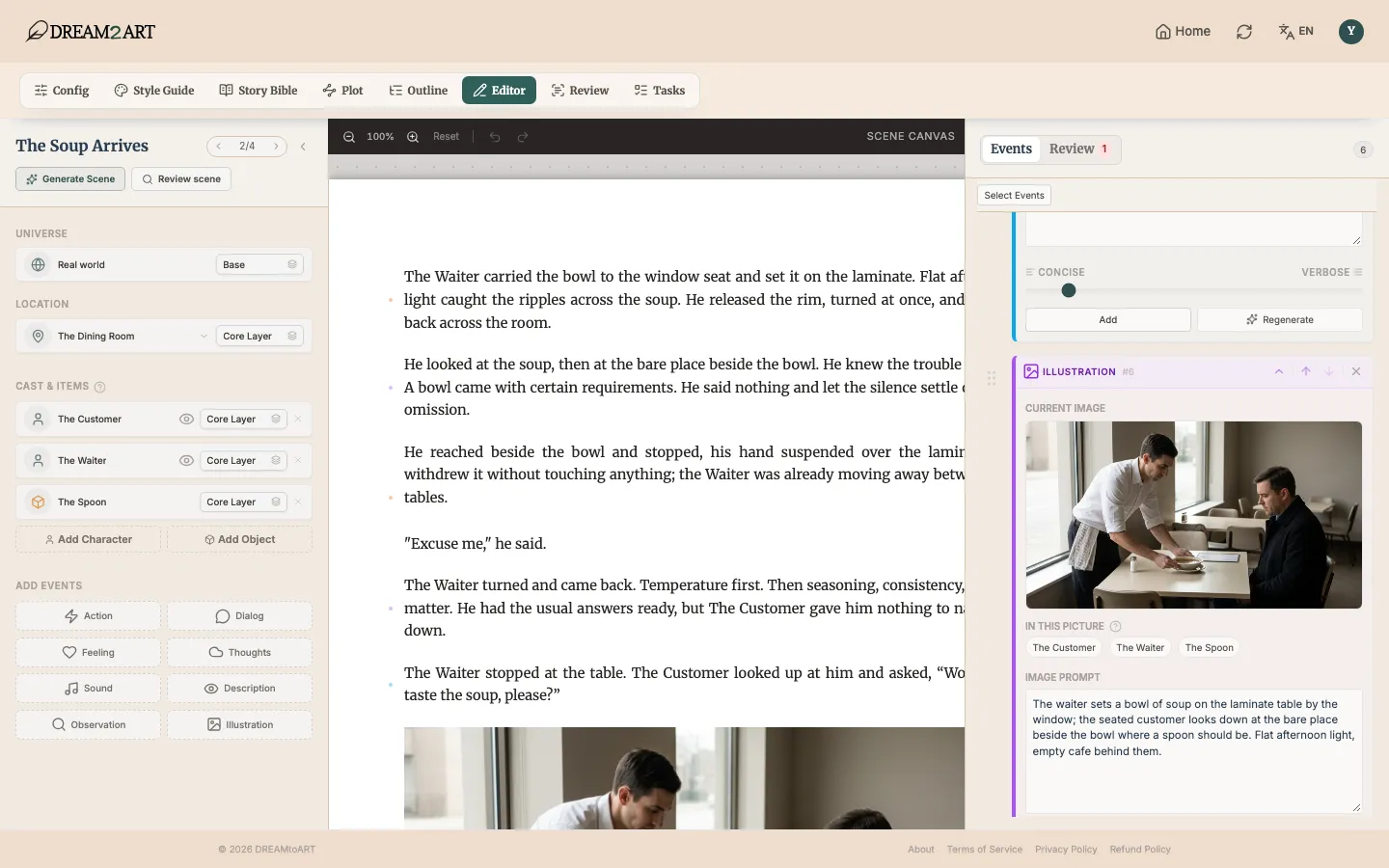
Compose your story scene by scene. Tell the AI what should happen, and it plans the scene and writes it as building blocks — narration, dialogue, action — which you can edit, reorder, or regenerate individually.
5. Illustrate
Generate illustrations for any scene event. The AI combines your characters' reference images, the location, and your style guide so the same hero looks the same on every page.
6. Review the draft
Review reads the draft back and reports what a reader would trip over: continuity errors measured against your Story Bible and the earlier scenes, and the craft habits inside the prose itself. Each finding points at the scene that triggered it, and you decide what to do with it.
7. Read and export
Read mode paginates the whole book as it will print, illustrations in place. When you want a file, export to EPUB, FB2, DOCX or PDF, with illustrations in or out — at any point in the draft, not only once the book is finished.
Common questions
Do I need to know how to draw?
No. You describe characters, places, and scenes in words; Dream2Art generates the illustrations in your chosen style.
Will my characters look consistent across pages?
Yes — that's the core of Dream2Art. Character reference images and a project-wide style guide are passed to every illustration generation.
Can I write in my own language?
Yes, you can write your story in the language you choose when setting up the project.
Do I own what I create?
Your stories and illustrations are yours to use. See the Terms and Conditions for details.
Is this only for short or children's books?
No. Dream2Art is built for full-length books: parts, chapters and scenes, a story bible that keeps a large cast straight, and a review pass over the whole draft. Short illustrated books work too, but the problem it was built for is the long one.
Can I get my book out of Dream2Art?
Yes. Export to EPUB, FB2, DOCX or PDF, with illustrations in or out, at any point in the draft.